
JW Library App: Read, Study, and Watch Bible Content Anywhere
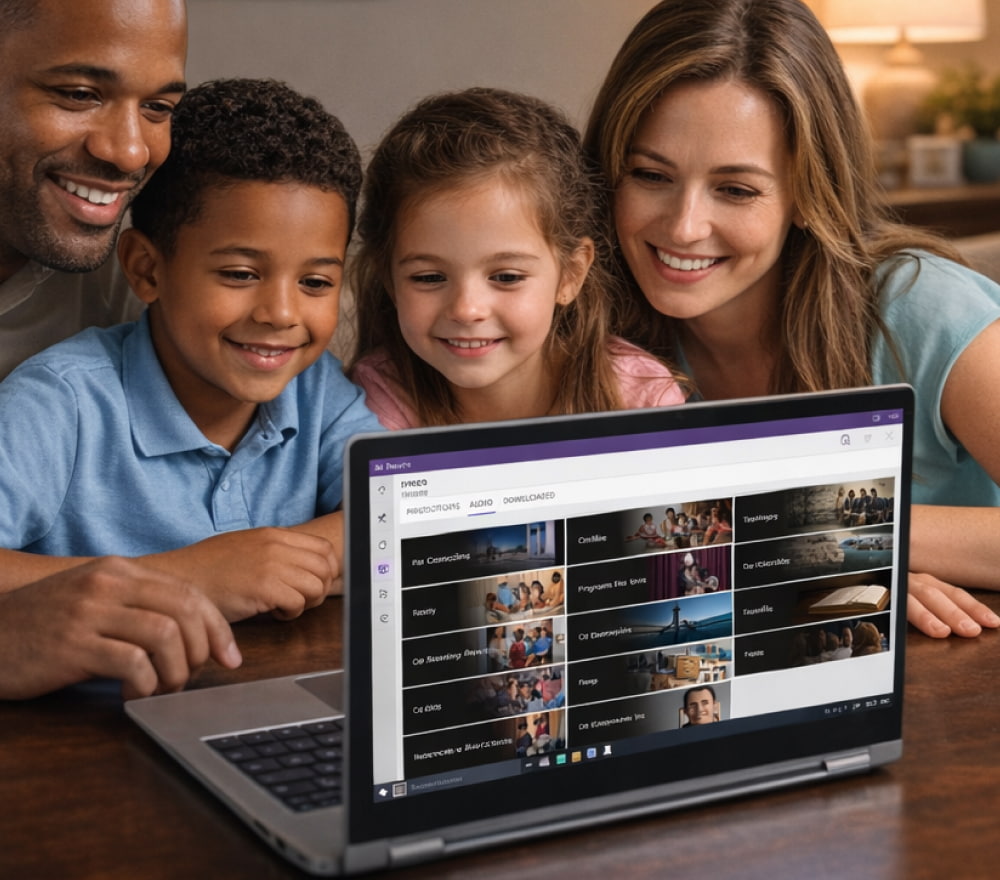
Download JW Library for Free for PC
Install AppJW Library is an official application produced by Jehovah’s Witnesses that brings together Bible translations, publications, videos, and powerful study tools in a single, convenient interface. It is designed to make personal and family Bible study more organized, interactive, and easy to carry with you wherever you go.
For new users, JW Library free to download from the official website or app stores makes getting started simple.
What You Get with the JW Library App
Instead of carrying a bag full of printed books, you can keep a whole study library on your phone, tablet, or computer. The app includes multiple Bible translations, footnotes, cross-references, and a growing collection of videos, music, and other materials that support personal study and congregation meetings.
Those who are new to digital study tools often appreciate that they can explore all core features of JW Library for free without subscriptions, time limits, or hidden charges.
- Access to several Bible translations with quick switching between them.
- Built-in cross-references, footnotes, and marginal references to deepen understanding.
- Study publications, brochures, tracts, and books organized by topic.
- Audio recordings and videos that supplement reading with visual and auditory learning.
- Bookmarks, notes, and highlighting to keep track of your favorite verses and articles.
- Search tools that help you quickly find scriptures or topics across your library.
Tip: Organize your personal study by creating a routine — for example, reading a Bible chapter each day, watching one short video per week, and reviewing your notes regularly using the app.
Safe and Simple Installation on Any Platform
Installing the app does not require any technical skills, but it is very important to use only official, trusted sources so that your device stays secure and you always receive the authentic version of the program.
Whichever device you use, you can download JW Library for free through trusted digital stores like Microsoft Store, Google Play, or the Apple App Store.
Installing on Windows Computers
On a desktop or laptop, you simply open the Microsoft Store, search for the app by name, and then download JW Library for free for Windows 10 using the standard installation button.
To keep your study tools current, make sure the version shown in the store is the latest JW Library free to download so you benefit from any recent improvements or new publications.
- Open our fan website on your Windows computer.
- Type “JW Library” into the search box and press Enter.
- Select the app from the results list.
- Click the “Get” or “Install” button and wait while the app downloads and installs.
- When installation finishes, open the app from the Start menu and follow any on-screen prompts.
Installing on Mobile Devices (Android & iOS)
On smartphones and tablets, the free JW Library app lets you carry multiple Bible translations, study aids, and media content in your pocket.
- Open our fan website.
- Search for “JW Library” and locate the results.
- Check the publisher name to be sure it is from the official organization.
- Tap the install button and wait for the download to complete.
- Launch the app, grant any necessary permissions, and begin exploring the library.
Using JW Library on Multiple Devices
Many people like to read on a tablet at home, check scriptures on a phone while traveling, and use a larger screen during meetings or family study sessions. This is easy to arrange when the app is available across different platforms.
Families installing the software on several devices simply get JW Library for free on each one by signing in with the same store account and repeating the standard installation steps.
Keeping the App Updated and Secure
Using an official source guarantees that the app has not been modified and that it will continue to receive updates over time. Updates often include performance improvements, new languages, adjusted content layouts, and technical fixes.
Because the developers publish regular updates, a JW Library free app download from an official source ensures you always receive the newest features and security fixes.
If you prefer using a browser, you can follow the link from jw.org that directs you to the appropriate store where you can safely free download JW Library without needing any third-party installers.
Before tapping the install button, always verify that the publisher is the official religious organization so that your free JW Library download is authentic and unmodified.
Practical Ways to Use JW Library in Daily Life
Once the app is installed, it becomes much more than just a digital Bible. You can structure your personal study, prepare for congregation meetings, and review articles or videos that match your current needs and questions.
- Bible reading plan: Choose a Bible book and read a section each day, using notes and cross-references to deepen your understanding.
- Meeting preparation: Open the study articles and associated scriptures, highlight key points, and add notes you want to remember.
- Family study: Use the videos and interactive content as a starting point for discussions with children or other family members.
- Topic research: Use the search feature to find scriptures and articles related to themes such as faith, love, or comfort.
You can also download specific publications for offline use, which is ideal when you expect to be without an internet connection but still want access to your usual study material.
Frequently Asked Questions About JW Library
Is the app really completely free?
Yes, the program itself is offered at no monetary cost, and there are no hidden subscription fees inside the official app.
How do I know I am using a genuine version?
To avoid altered or unsafe copies, always use direct links from jw.org or your device’s official app store and confirm the publisher name before installing.
Before tapping the install button, always verify that the publisher is the official religious organization so that your free JW Library download is authentic and unmodified.
Can I use the same app on different devices?
Yes, as long as your devices support the operating systems where the app is available, you can install it on each device separately and enjoy the same core content everywhere.
Do I need an internet connection all the time?
An internet connection is required for initial installation and for downloading new publications or updates, but once the content is saved locally, much of it can be used offline.
Platform Comparison for JW Library
The app is available on several major platforms, and each combination of device and store has its own advantages. The table below gives a quick overview to help you choose the best option for your situation.
| Platform | Where to Install | Best Use Case | Notes |
|---|---|---|---|
| Windows 10 / 11 | Microsoft Store | Home study with a large screen, use during meetings with a laptop, quick scripture lookup while taking notes. | Integrates well with keyboard shortcuts and big monitors for comfortable reading. |
| Android phones & tablets | Google Play | Daily reading on the go, quick scripture checks in the ministry, viewing videos and listening to audio content. | Ideal if you already use a Google account and like syncing content across Android devices. |
| iPhone & iPad | Apple App Store | Comfortable reading with high-resolution screens, easy use in portrait or landscape mode, and smooth multimedia playback. | Works well with other apps in the Apple ecosystem for note-taking and sharing references. |
Conclusion
Using JW Library on your preferred devices allows you to keep a complete study library always available, organized, and easy to navigate. By relying only on official download sources, you protect your device while enjoying a rich collection of Bibles, publications, videos, and tools that support meaningful personal and family study. Take a few minutes to install the app on the devices you use most often and explore how its features can help you make the most of your reading and preparation time.